
Course Information
Difficulty: Beginner
Categories: Automation & Productivity, Information Technology
Tags: Audio, Clip, ClipChamp, Editing, Microsoft, Text, Video, Video Editor
Course Instructor
Clear Data Science Instructor
Author
As CDS is a consulting company, our instructors and/or course designers are all experienced consultants to design, build and deliver high quality training covering different areas, such as: productivity tools, programming, Data Science, Machine Learning and AI.
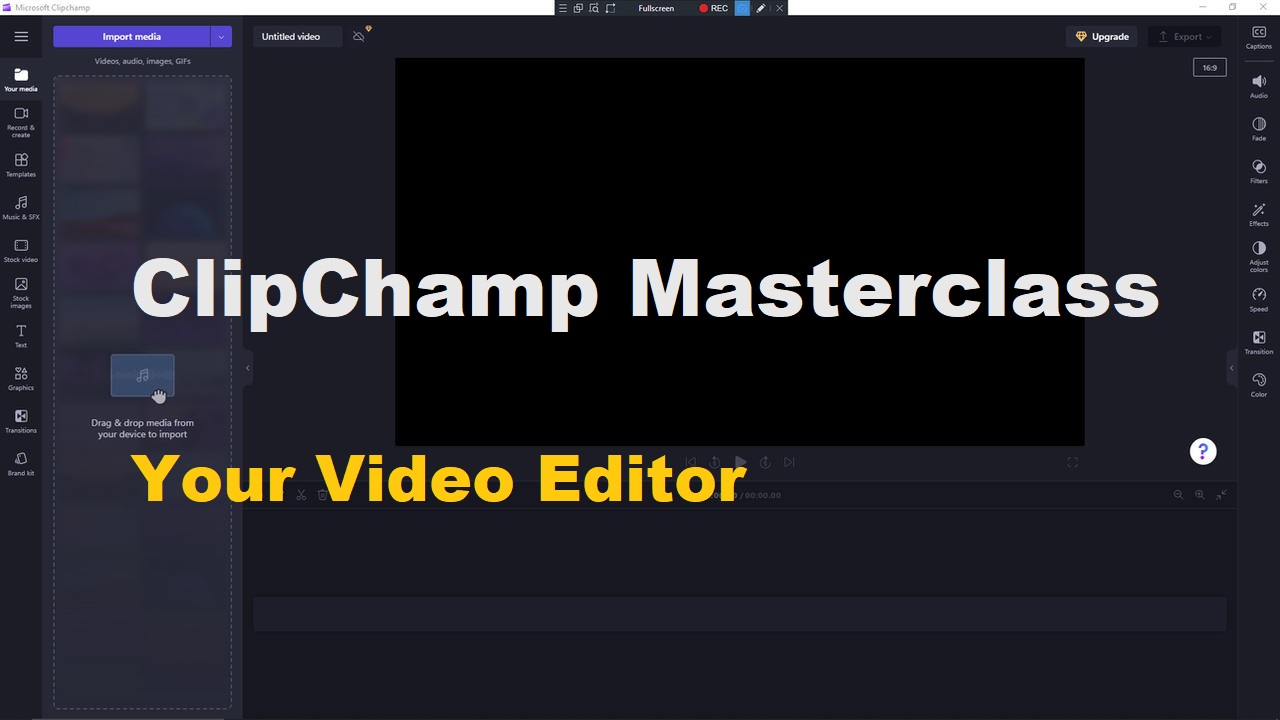
ClipChamp Masterclass
SALE
$24 Original price was: $24.$12Current price is: $12.
Enroll
Content Editing
1 of 5
FREE
Edit Existing Video with Microsoft Clipchamp
Lesson 1 of 5 within section Content Editing .
1
Has Quiz
2 of 5
Add Audio to Clipchamp
Lesson 2 of 5 within section Content Editing .
0
Has Quiz
3 of 5
Recorded Videos in Clipchamp
Lesson 3 of 5 within section Content Editing .
0
Has Quiz
4 of 5
Render and Produce Your Clipchamp VideosVide
Lesson 4 of 5 within section Content Editing .
0
Has Quiz
5 of 5
Working with Templates in Clipchamp
Lesson 5 of 5 within section Content Editing .
0
Has Quiz
Creating Effects
1 of 6
Add A Branding Kit to Clipchamp
Lesson 1 of 6 within section Creating Effects.
0
Has Quiz
2 of 6
Use Stock Video with Clipchamp
Lesson 2 of 6 within section Creating Effects.
0
Has Quiz
3 of 6
Use Stock Images with Clipchamp
Lesson 3 of 6 within section Creating Effects.
0
Has Quiz
4 of 6
Use The Text Element with Clipchamp
Lesson 4 of 6 within section Creating Effects.
0
Has Quiz
5 of 6
Add Graphics to Clipchamp
Lesson 5 of 6 within section Creating Effects.
0
Has Quiz
6 of 6
Add A Transition In Clipchamp
Lesson 6 of 6 within section Creating Effects.
0
Has Quiz
Reviews
No reviews yet.